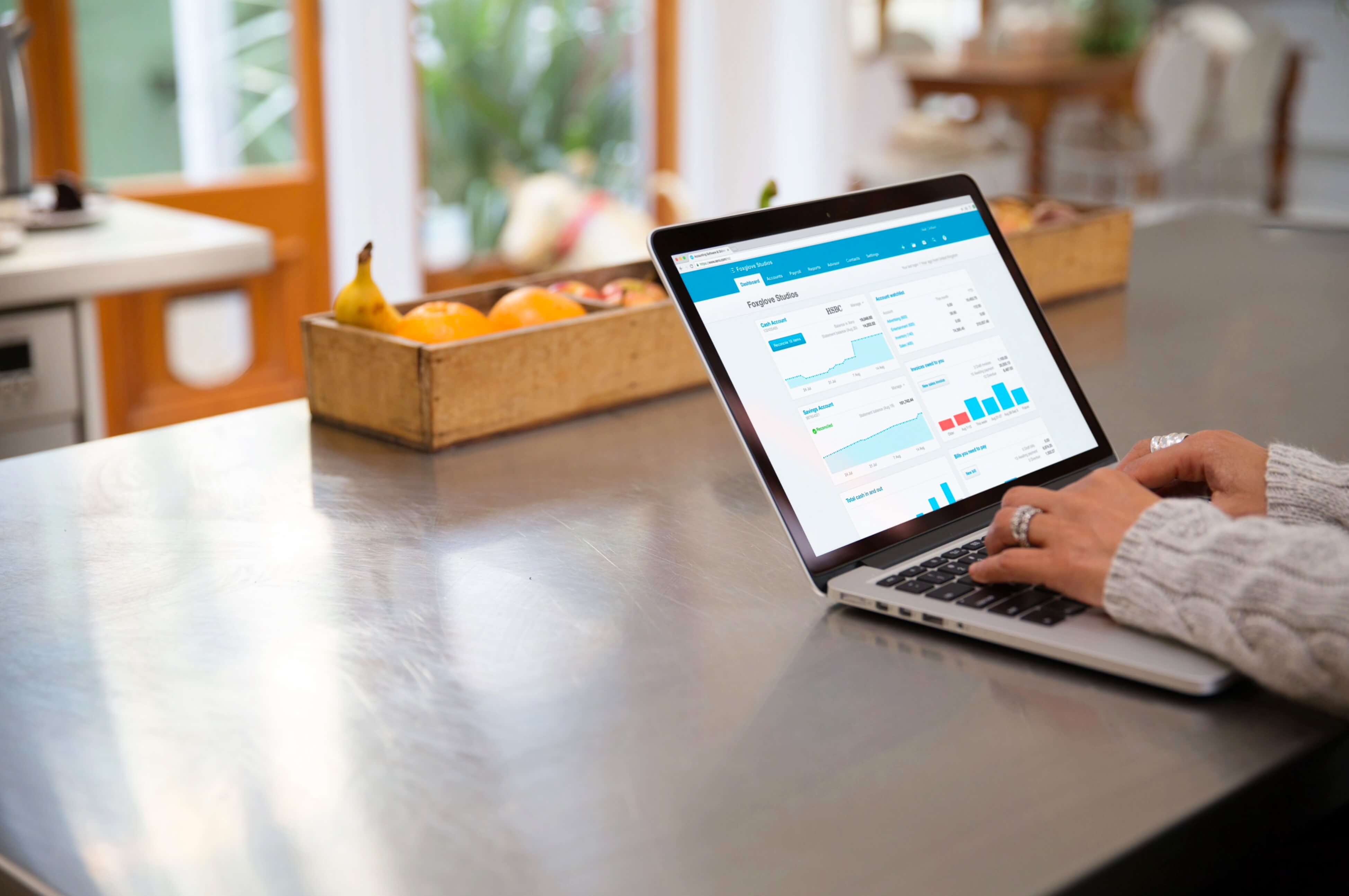
In order for us to manage your accounts effectively, you need to provide us access to your Xero file by giving us the Adviser role with Payroll Admin and Manage User rights.
We prefer you to invite our specific ‘subscriptions’ email address to Xero as we have created this separate email account to enable us to
manage the access to your Xero file within the firm.
This approach also provides security to your Xero file, ensuring that only authorised representatives of SMART Business Solutions will
have access to your financial information.
Enabling access to your subscription is easy, and only takes 6 simple steps.
We're always here to help our clients. Contact us on 03 5911 7000 if you require assistance with setting up our access to your Xero file.
Technology streamlined Michelle's busy medical practice and enabled her more time for surfing. As a progressive Holistic General Practice, using Xero, Vend and SMART Business Solutions provides real-time financial reporting enabling the business to make informed decisions.